
AI SEO AEO OPTIMIZER ARTINHUB
AI SEO audits, bulk AI fixes and AEO for AI search
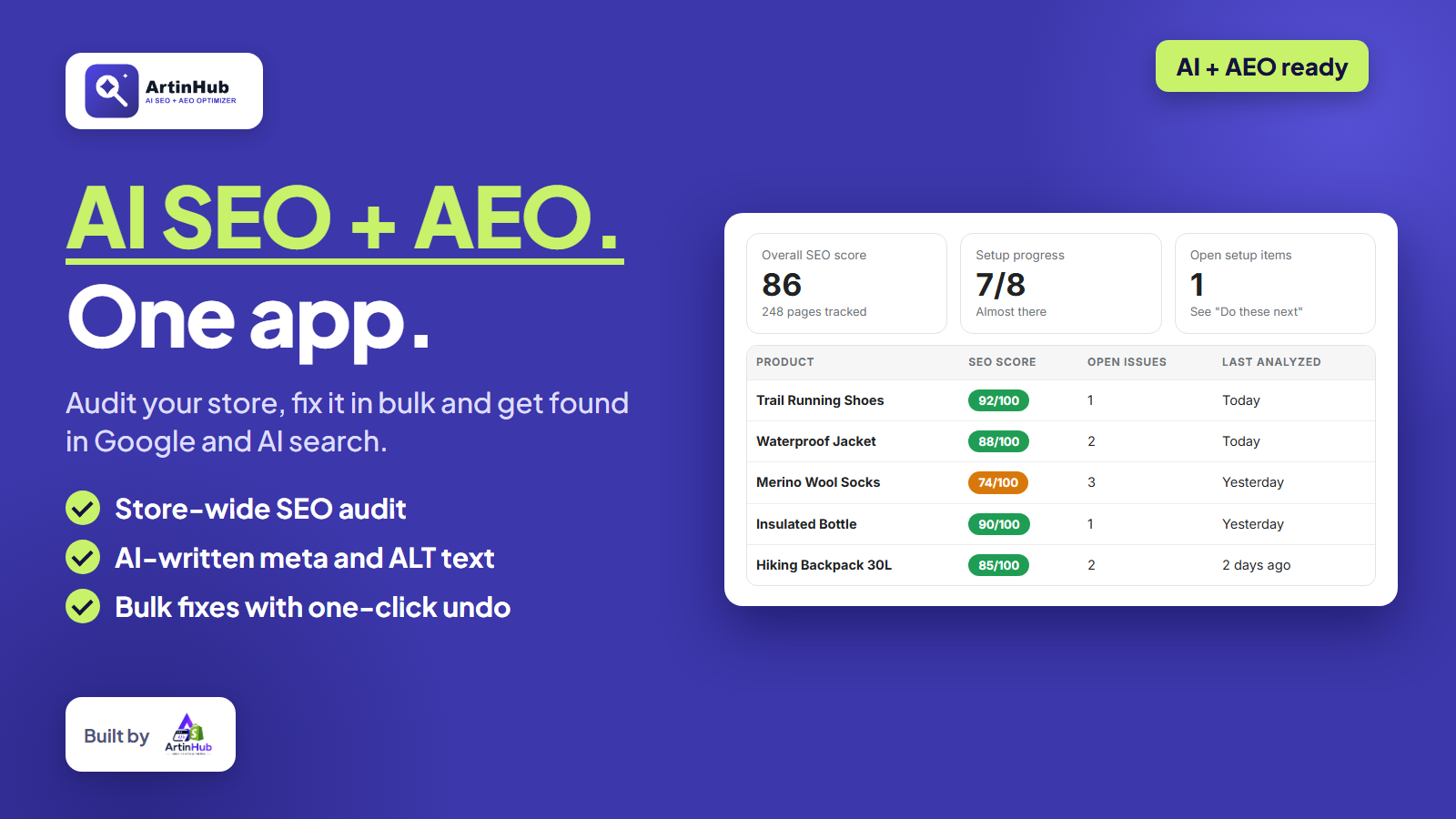
AI SEO AEO Optimizer audits your whole Shopify store, scores every page, and fixes meta tags and image ALT text in bulk with your own AI provider. Every bulk run is backed up and can be undone in one click.
Overview
AI SEO AEO Optimizer is an all-in-one SEO and AI-search (AEO) app for Shopify. It scans your whole catalog, scores every product, collection, page and article, and ranks the issues by severity so you know exactly what to fix first.
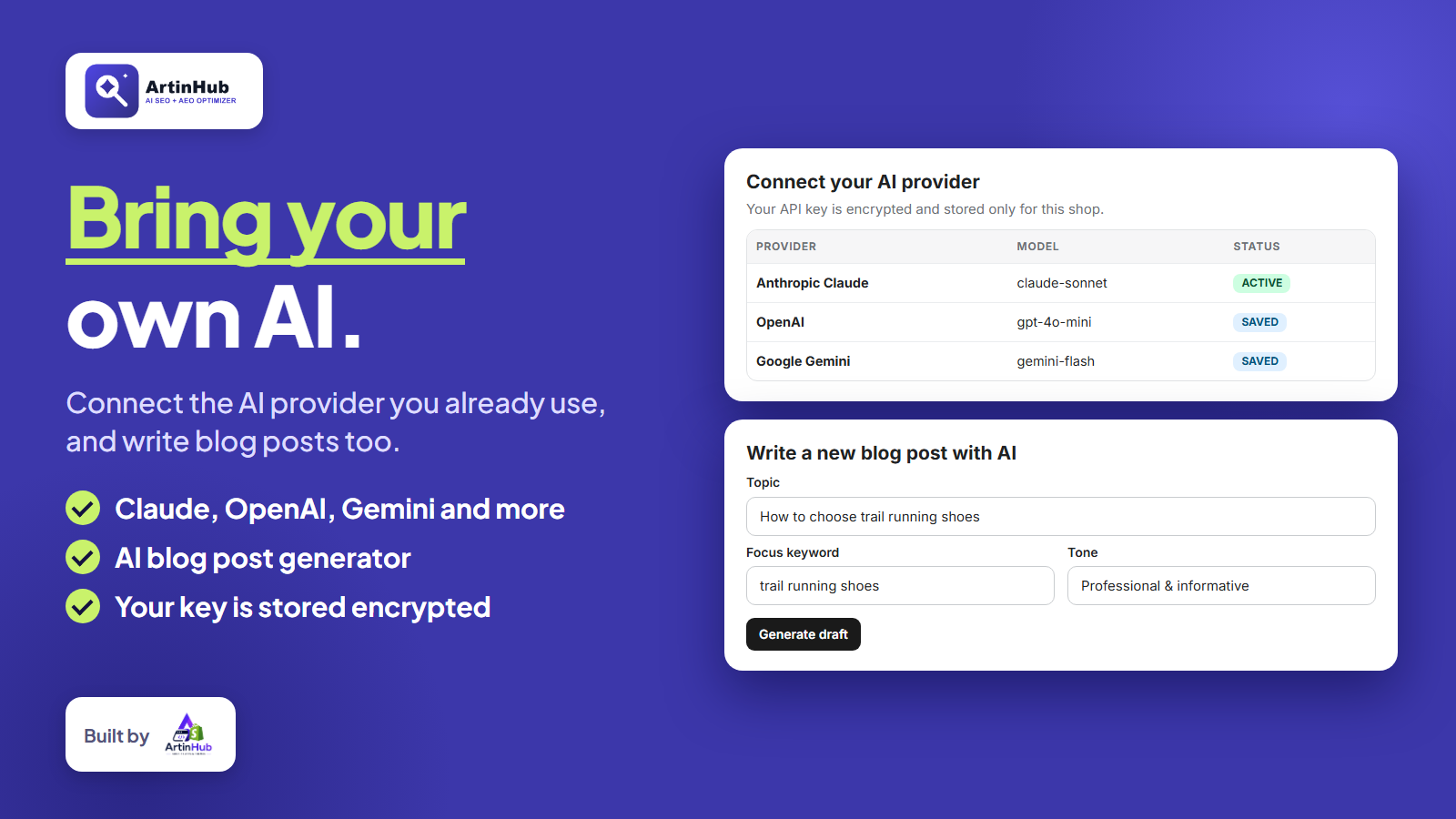
Connect the AI provider you already use (Claude, OpenAI, Gemini, Perplexity and more) and the app drafts meta titles, meta descriptions, focus keywords, image ALT text and FAQ content. You review every suggestion before anything is saved, and every bulk run is backed up first so you can restore it in one click. Your API key is stored encrypted and you pay your provider directly.
Beyond on-page SEO, the app adds Schema.org structured data without code, an HTML sitemap, homepage meta tags and favicon control, a redirect manager, broken link checks, keyword conflict detection and CSV import from other SEO apps. An image optimizer and Site Speed tools (Google PageSpeed results, lazy loading and instant page preload) help your store load faster.
For AI search, the AEO / AI Discovery tools show what ChatGPT, Claude, Perplexity and Gemini can read on your store, and IndexNow plus Google Search Console integration help your pages get discovered sooner. Start free, then upgrade to Growth or Pro with a 14-day free trial when you need AI generation, bulk actions and more.
Built by ArtinHub, a team that specialises in Shopify app development.
Key Features
SEO Audit Dashboard
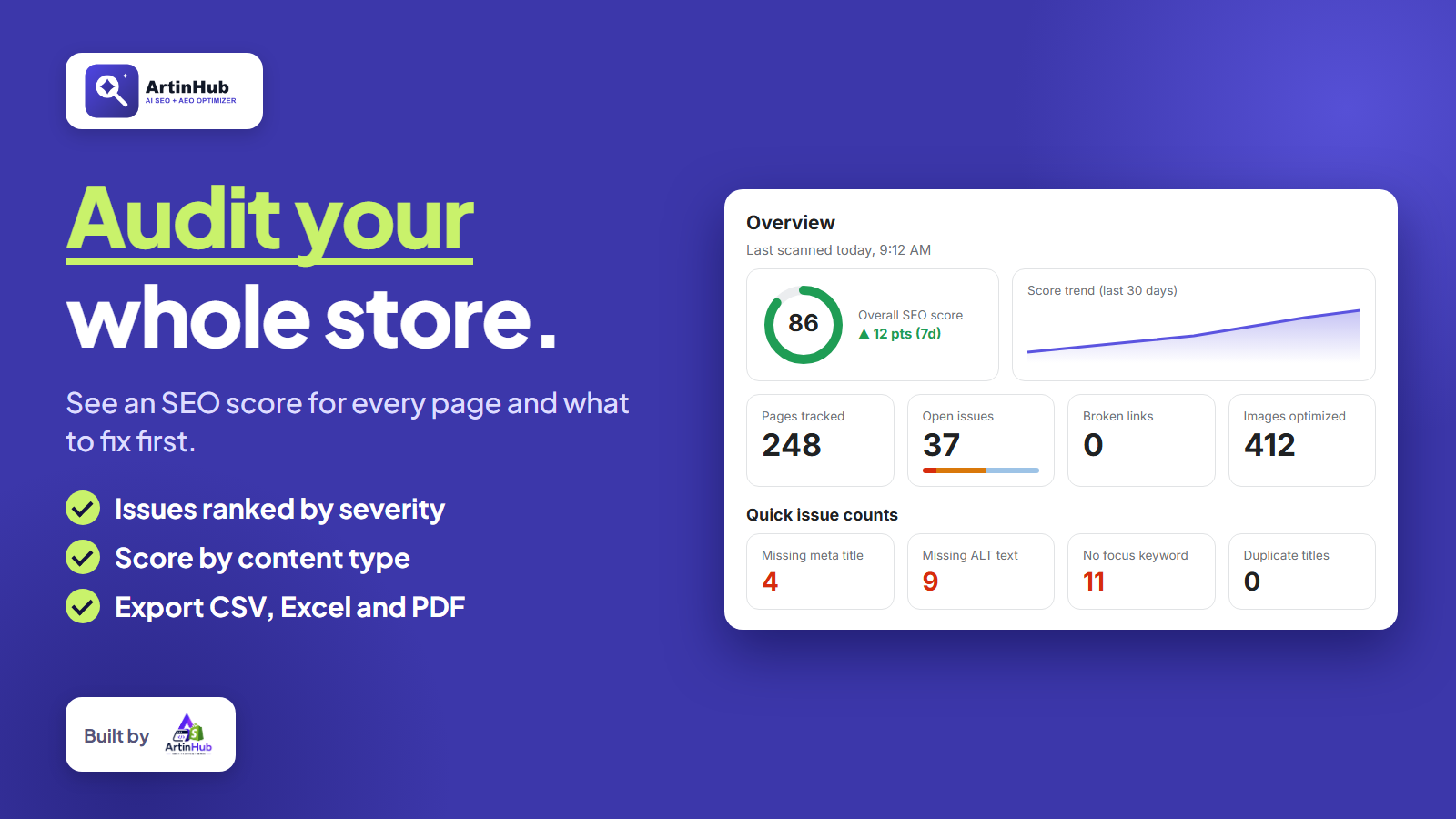
Store-wide scan and score for every product, collection, page and article, with issues ranked by severity and a 30-day score trend.
AI Content Generation
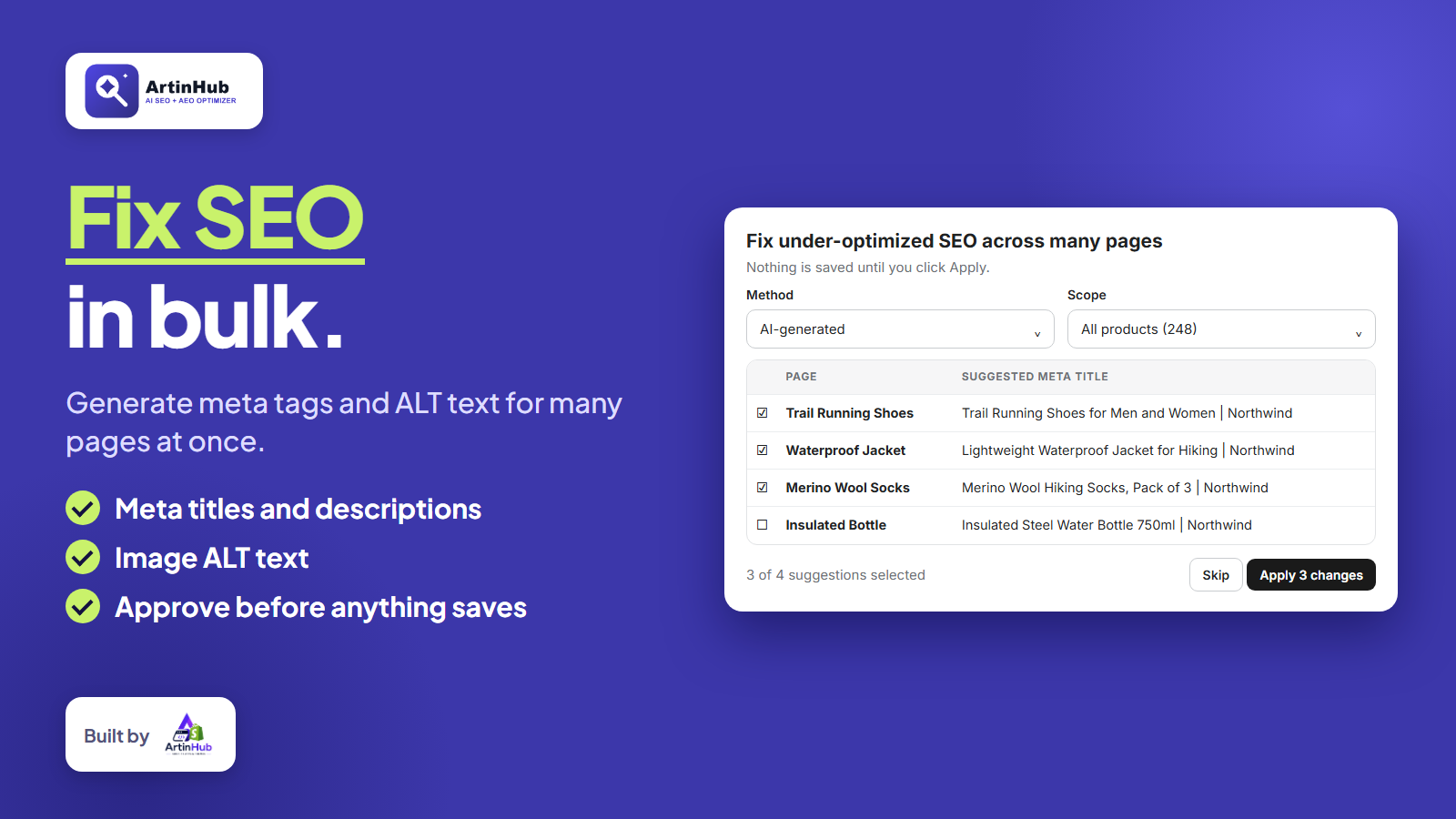
Draft meta titles, descriptions, focus keywords, image ALT text and FAQs with your own AI provider. Review every suggestion before it is saved.
Bulk AI Actions
Fix under-optimized pages across your whole store in one run, AI-generated or from your own template, then approve before anything is applied.
Backups & Restore
Every bulk change is backed up first. Restore any of your recent runs in one click.
AEO / AI Discovery
See what ChatGPT, Claude, Perplexity and Gemini can read on your store, and request instant indexing with IndexNow.
Structured Data (Schema.org)
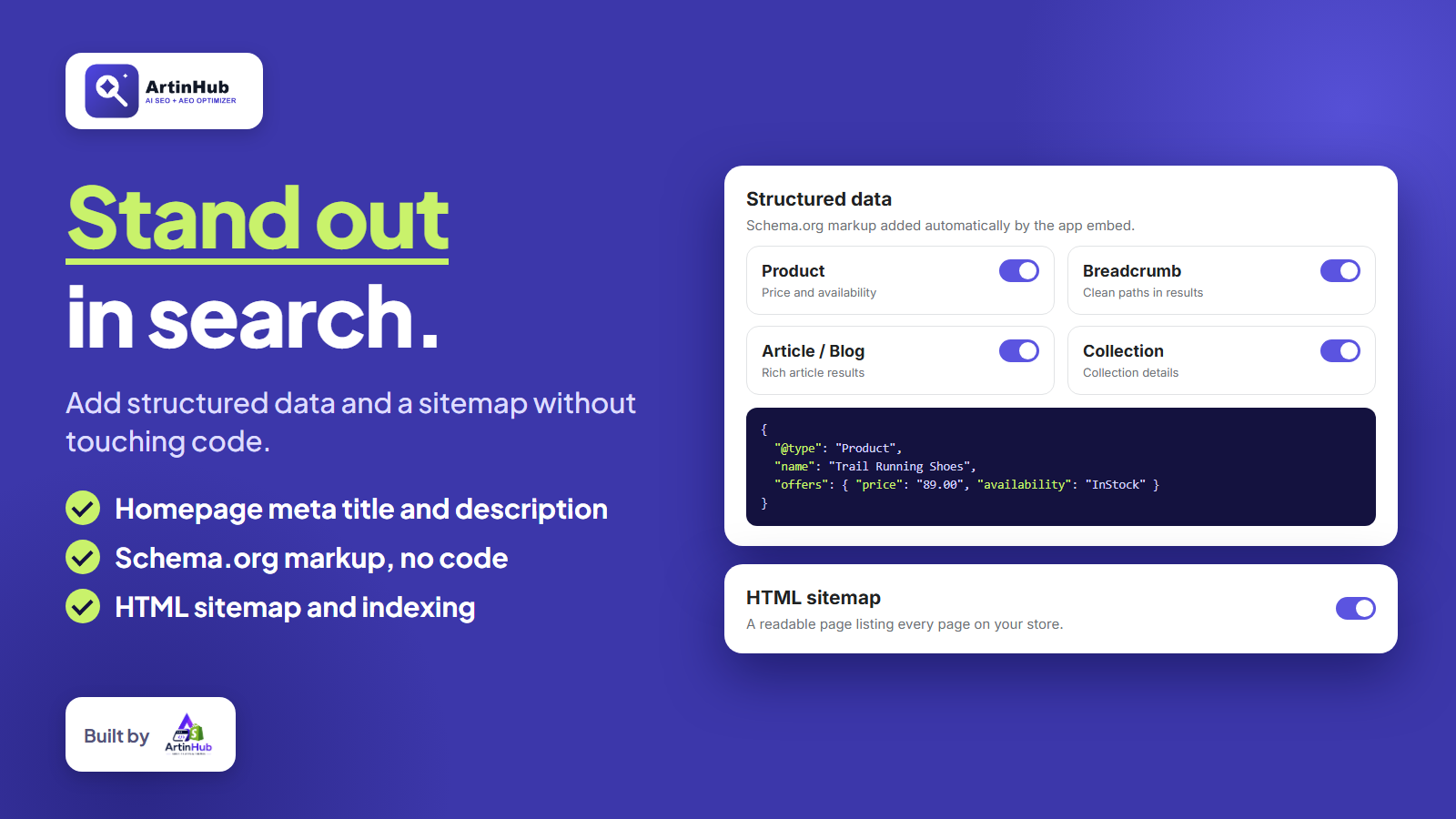
Add Product, Article, Breadcrumb and FAQ markup without touching theme code, with a custom schema option per page.
Image Optimizer
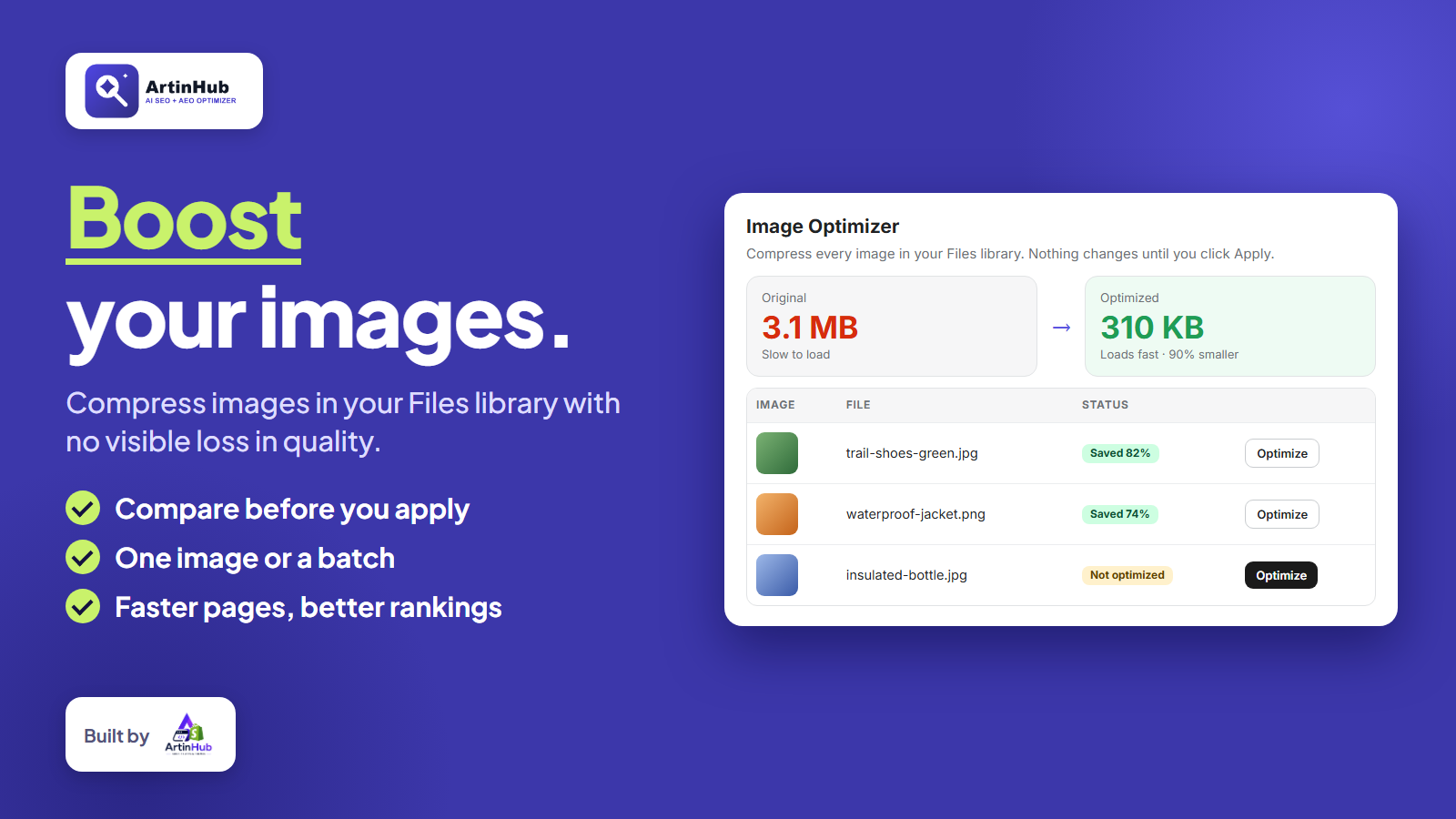
Compress images in your Files library, compare before and after, and apply one image or a batch.
Site Speed
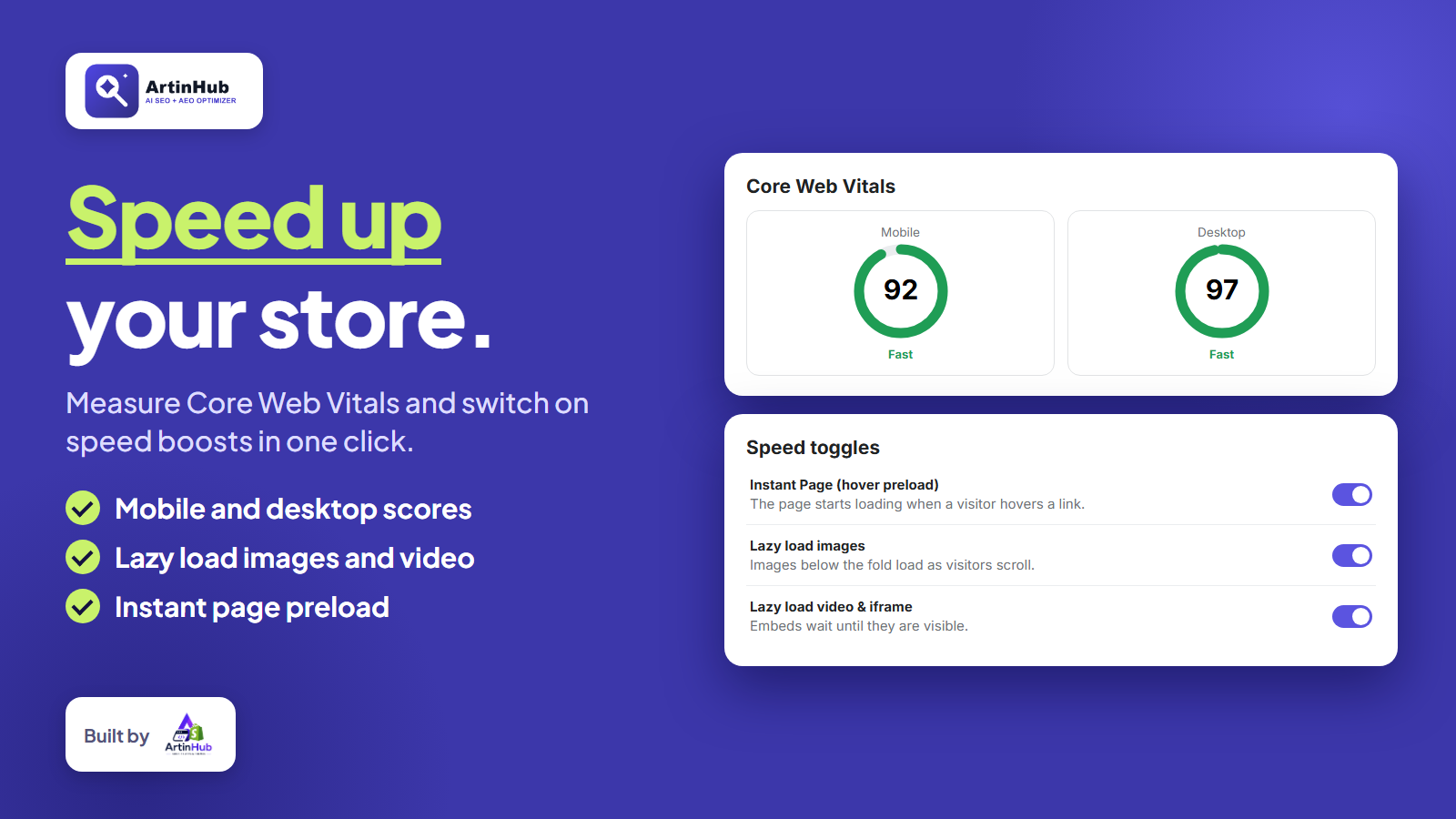
Google PageSpeed scores for mobile and desktop, plus one-click lazy loading, instant page preload and theme file minification.
AI Blog Post Generator
Generate a full draft with title, body, excerpt and SEO meta from a single topic.
Technical SEO & Tools
HTML sitemap, robots.txt, redirects, 404 tracking, broken link checks, keyword conflict detection and CSV import from other SEO apps.
Google Search Console
Connect Google Search Console to see real clicks, impressions and indexing data next to your SEO scores.
Screenshots
How It Works
Install the App
Add AI SEO AEO Optimizer to your Shopify store from the App Store.
Run Your SEO Audit
Click Run SEO Audit Scan to score every product, collection, page and article.
Connect Your AI Provider
In Settings, add your API key for Claude, OpenAI, Gemini or another provider and test the connection.
Generate and Review
Use Generate with AI in Content SEO or run Bulk AI Actions, then review each suggestion.
Apply and Switch On the App Embed
Apply your changes, then turn on the app embed in the Theme Editor so structured data and meta tags appear on your storefront.
Track and Improve
Re-scan to see your score rise, optimize images, check site speed and submit new pages with IndexNow.
Benefits
You stay in control
Nothing is written to your store until you review and approve it, and every bulk run can be undone.
Bring your own AI
Use the AI provider you already pay for. Your key is stored encrypted and there is no shared AI billing.
Built for Google and AI search
Optimize for classic search and for AI answer engines like ChatGPT, Gemini, Perplexity and Claude in one app.
Start free
The Free plan has no time limit. Growth and Pro add AI generation, bulk actions and more, with a 14-day free trial.
Frequently Asked Questions
Other Apps
Want a Custom Shopify App Like This?
ArtinHub builds custom Shopify apps and themes tailored to your store.
Get in Touch